Native Audio Generation
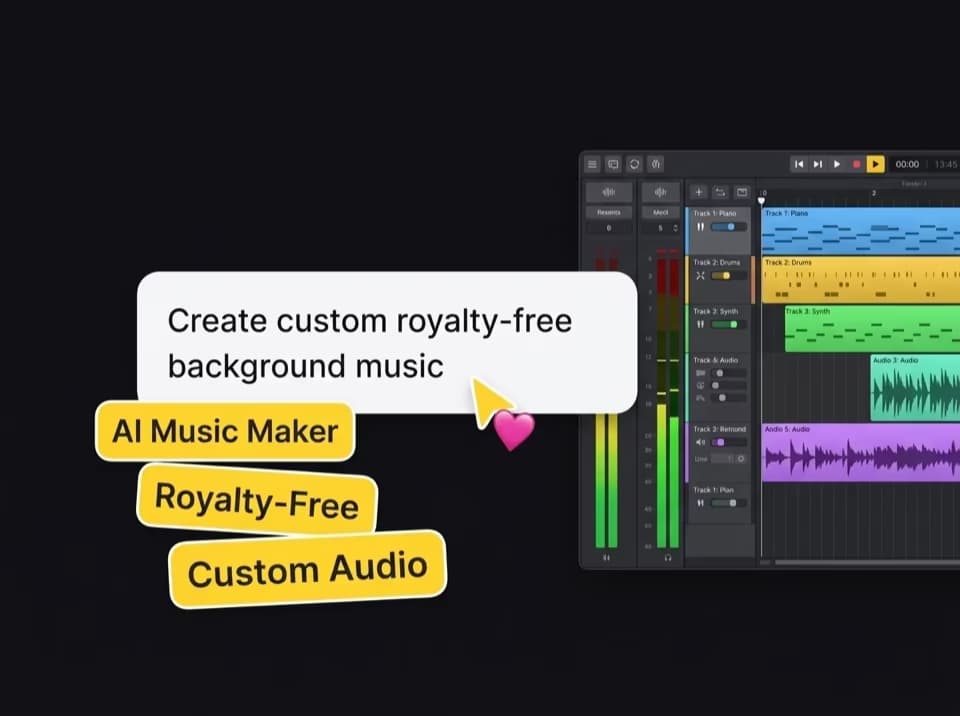
Google Veo 3.1 automatically produces synchronized background audio, ambient soundscapes, and sound effects matched directly to your generated video's motion and scene context.
Create cinematic AI videos powered by Google Veo 3.1. Generate high-fidelity videos with native sound, precise frame control, and advanced prompt adherence inside Freemaker.
Uploading assets and starting generation requires login.
Latest generated outputs and synced account history.
Google Veo 3.1 automatically produces synchronized background audio, ambient soundscapes, and sound effects matched directly to your generated video's motion and scene context.


Set specific start and end frames to guide motion continuity, seamless camera transitions, and scene direction.

Upload reference images to maintain identical visual aesthetics, art styles, color palettes, and brand identities across generated Veo 3.1 video sequences.
Veo 3.1 accurately interprets complex text prompts containing multi-subject interactions, intricate lighting conditions, and detailed atmospheric instructions.
Outputs feature realistic physical interactions, precise motion dynamics, and fine surface details for professional video production.
Generate complete video clips directly from natural language prompts using Veo 3.1.
Upload multiple image references to control character consistency, art style, and composition.
Upload starting and ending images to let Google Veo 3.1 interpolate smooth, contextually logical transitions between frames.
Choose Google Veo 3.1 from the model dropdown menu.
Type your scene description, or upload your starting/ending frames and reference images to guide Veo 3.1 generation.
Generate your video with native audio, preview the result, and download high-resolution files.